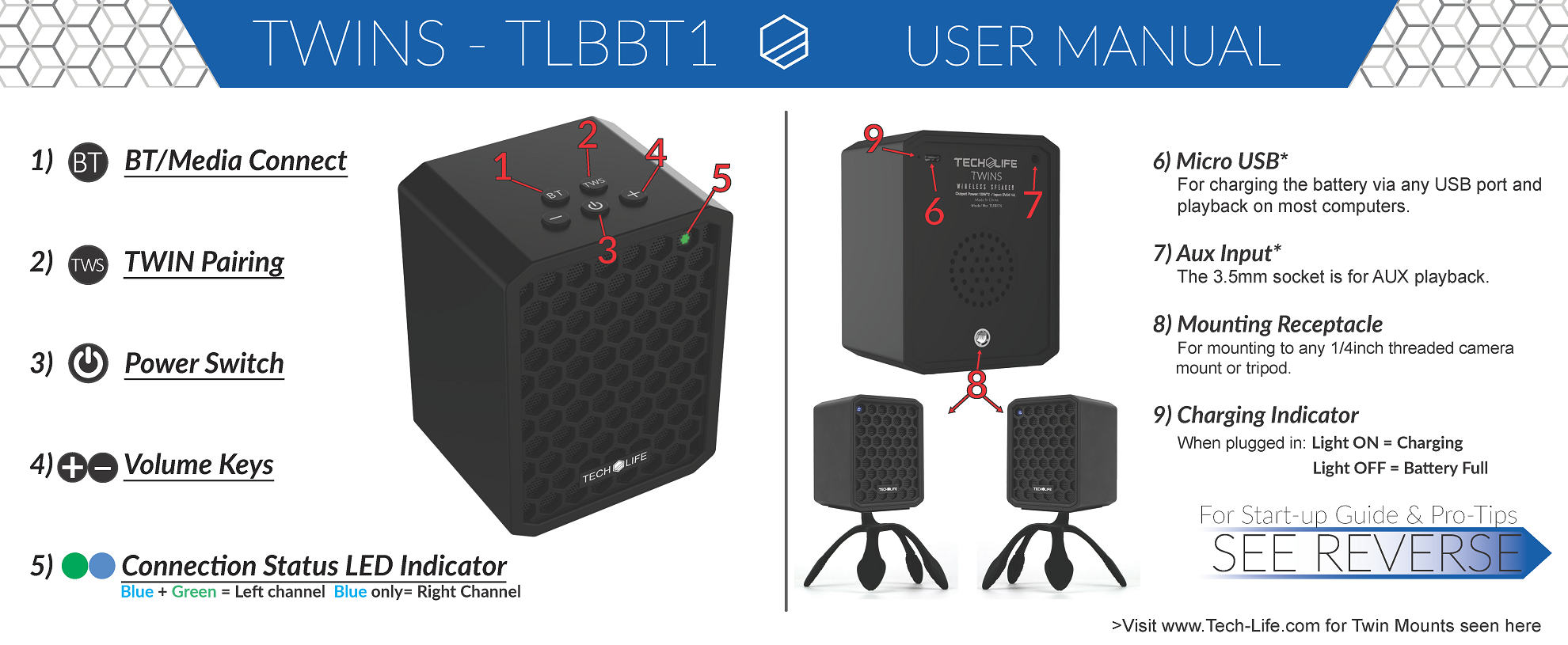
BeatBlock Twins Instructions
Quick Download the Twins Instructions (PDF)
Step 1: Turn on both speakers & set them right next to each other
Step 2: Set one speaker to 'Master' by pressing the TWS button once.
Step 3: After the beep, press the same TWS button again on the Master speaker.
Step 4: Just wait up to a minute while the speakers find each other. They will make a sound indicating they are ready and in BlueTooth Pairing mode
Step 5: Select "Tech-Life Twins" from your device's Bluetooth settings and Enjoy!